
Let’s be honest, being a student in 2026 is tough. You have online lectures, and you’re working on assignments, projects, presentations and even exams — all at once.The good news? Artificial Intelligence (AI) is now your study partner.
There are now many free AI tools for students that can assist you in becoming a better writer, learn faster, save time, and understand complex topics more effectively. And you don’t have to be a tech wonk to use them. In today’s blog, I’m going to let you in on the Top 10 Free AI Tools for Students in 2026.
1. ChatGPT (Free Version)
ChatGPT has grown to become one of the most widely used AI tools by students globally. It operates like a smart assistant that can answer questions and explain information in plain language.
Best for: Homework help, explanations, writing support

Features
- Answers questions in simple language
- Helps with essays, coding, and notes
- Explains difficult topics step-by-step
- Works in browser (no installation)
Pros
- Easy to use
- Works in a browser
- Good for quick learning
Cons
- Free version has limits
- Sometimes gives generic answers
Best Use Case
If you are stuck with homework or don’t understand a topic, ChatGPT is your best friend.
Example:
You can ask: “Explain photosynthesis in simple words.” And get a clear answer.
2. Grammarly Free
Grammarly helps you write better English by checking grammar, spelling, and sentence structure.
Best for: Improving English writing

Features
- Checks grammar and spelling
- Suggests better sentences
- Works in Word, browser, and email
Pros
- Improves writing skills
- Very beginner-friendly
- Works with Word and Google Docs
Cons
- Advanced features are paid
- Limited style suggestions in free plan
Best Use Case
Perfect for essays, emails, and reports.
Tip: Use Grammarly while typing assignments in Google Docs.
3. Microsoft Copilot (Free)
Microsoft Copilot is built into Windows and Microsoft Edge. It helps students directly from their PC.
Best for: Windows users and productivity

Features
- Built into Windows 11
- Helps with writing and searching
- Generates summaries and ideas
Pros
- No extra installation
- Works with Microsoft apps
- Great for Windows users
Cons
- Works best with Microsoft account
- Limited customization
Best Use Case
Great for students using Windows laptops.
Example:
Ask Copilot to summarize long PDF notes.
4. Notion AI (Free Plan)
Notion AI helps students organize notes, tasks, and study plans.
Best for: Notes and project management

Features
- Smart note-taking
- Task planner
- AI writing support
Pros
- All-in-one workspace
- Good for productivity
- Syncs across devices
Cons
- Limited AI credits
- Learning curve for beginners
Best Use Case
Ideal for managing study schedules and projects.
Tip: Create one page for each subject.
5. Canva AI (Free Version)
Canva AI helps students design posters, presentations, and social media graphics easily.
Best for: Presentations and designs

Features
- AI-powered design templates
- Presentation maker
- Poster and infographic creator
Pros
- No design skills needed
- Large template library
- Easy drag-and-drop
Cons
- Some designs are premium
- Limited exports in free plan
Best Use Case
Great for making school presentations.
Example:
Create a PPT on “Global Warming” in 10 minutes.
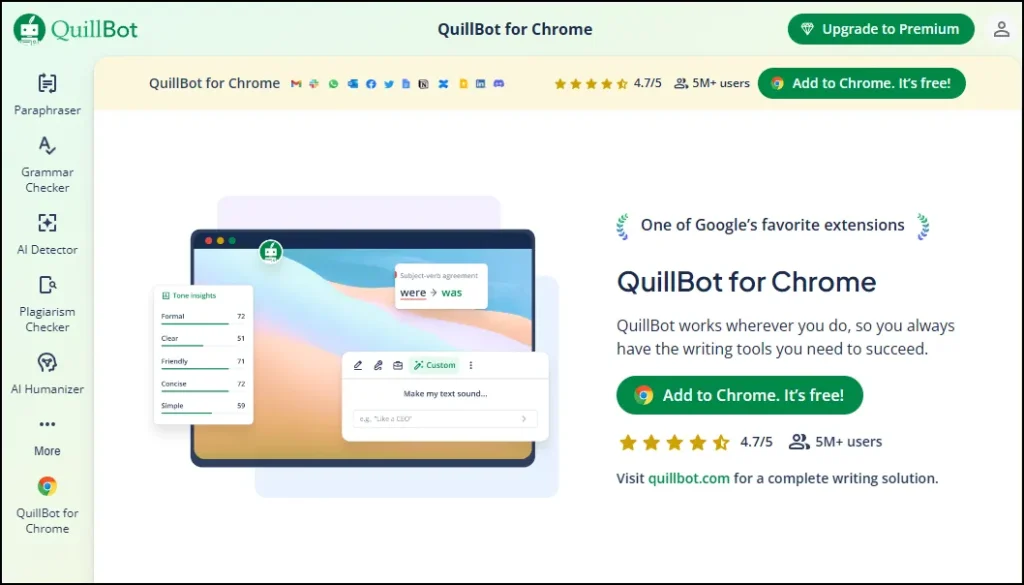
6. QuillBot (Free)
QuillBot helps rewrite sentences and improve writing quality.
Best for: Paraphrasing and rewriting
Features
- Rewrites sentences
- Grammar check
- Summarizer
Pros
- Improves language
- Helps avoid plagiarism
- Easy to use
Cons
- Limited modes in free version
- Word limits
Best Use Case
Helpful for rewriting assignments.
Tip: Use it to improve your first draft.
7. Khanmigo (Khan Academy AI Tutor)
Khanmigo is the AI assistant from Khan Academy for learning math and science.
Best for: Learning math and science

Features
- AI tutor support
- Step-by-step solutions
- Interactive learning
Pros
- Trusted education platform
- Beginner-friendly
- Clear explanations
Cons
- Limited availability in some regions
- Fewer subjects
Best Use Case
Best for math, physics, and chemistry students.
Example:
Ask how to solve algebra problems step-by-step.
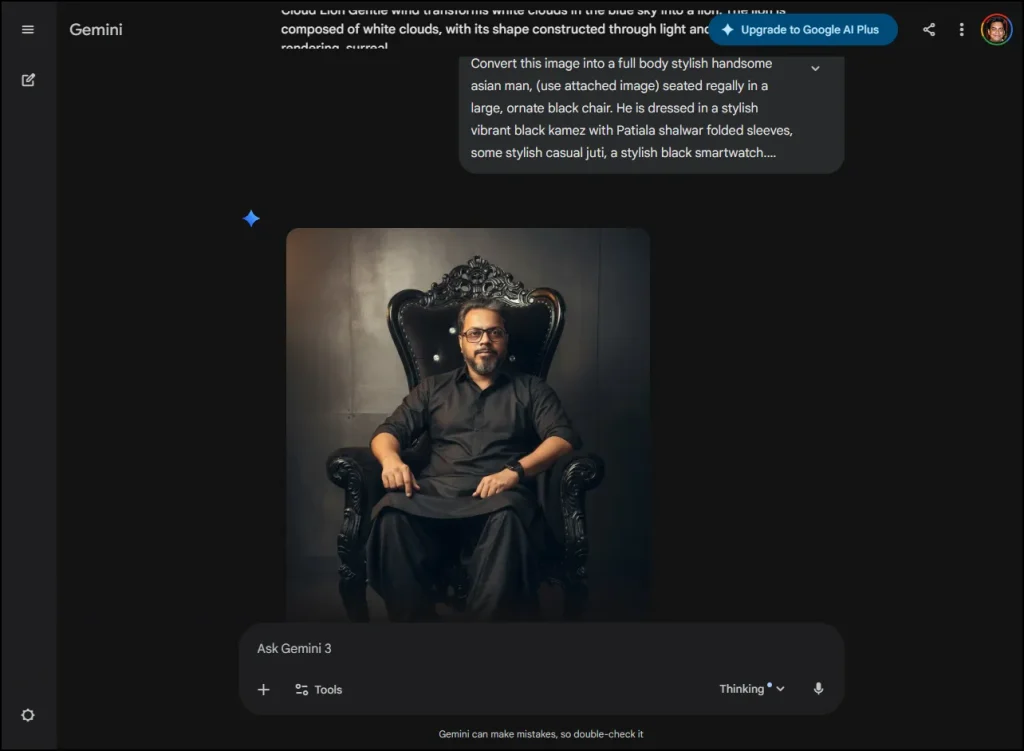
8. Google Gemini (Free)
Google Gemini is Google’s AI assistant that helps with research, summaries, and explanations.
Best for: Research and brainstorming
Features
- AI search assistant
- Text and image support
- Google integration
Pros
- Connected with Google services
- Fast responses
- Good for research
Cons
- Needs google account
Best Use Case
Good for research projects.
Tip: Use it for collecting ideas before writing.
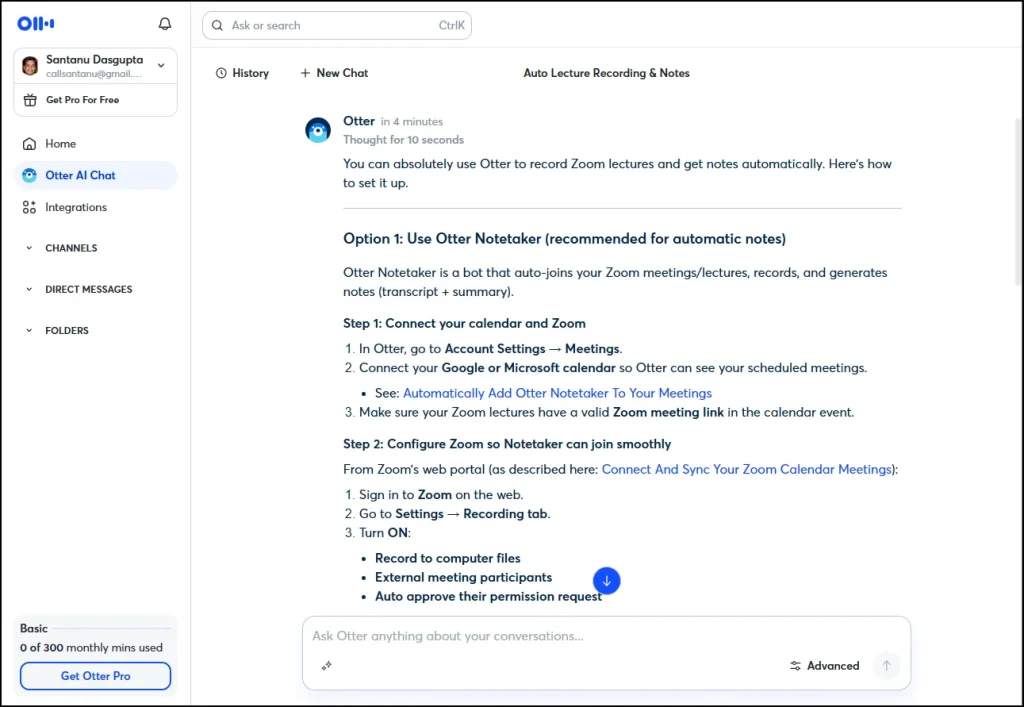
9. Otter.ai (Free Plan)
Otter.ai converts speech into text and helps record lectures.
Best for: Lecture notes and recordings
Features
- Converts speech to text
- Records lectures
- Creates transcripts
Pros
- Great for online classes
- Saves notes automatically
- Accurate transcription
Cons
- Limited minutes per month
- Needs good audio quality
Best Use Case
Useful for online classes and seminars.
Example:
Record Zoom lectures and get notes automatically.
10. Tome AI (Free Version)
Tome AI helps students create presentations and visual stories using AI.
Features
- AI slide creation
- Content generation
- Visual layouts
- Sharing tools
Pros
- Saves time
- Professional designs
- Simple interface
Cons
- Limited exports
- Requires account
Best Use Case
Best for making seminar and project presentations.
How to Choose the Right AI Tool for You
Before selecting any AI tool, ask yourself these simple questions:
- Do I need help with writing? → Grammarly, QuillBot
- Do I need study help? → ChatGPT, Khanmigo
- Do I need designs? → Canva, Tome
- Do I need productivity? → Notion AI
- Do I use Windows? → Microsoft Copilot
Conclusion: My Personal Advice for Students
AI tools are not here to replace you. They are here to support you.In 2026, smart students are not those who study harder—they study smarter.From my experience, I suggest this starter combo:
ChatGPT – for learning
Grammarly – for writing
Canva – for presentations
Copilot – for Windows users
Don’t use AI as a shortcut, use it as a guide. And don’t do it unless you understand what you’re submitting.That is the only way you will learn, not just academically but also on a personal level. If you use them properly, you can save time, reduce stress, and improve your results.
Also Read: 7 Best Free Screen Recorders for Windows 11
Frequently Asked Questions (FAQs)
Are free AI tools safe for students to use?
Yes, most popular AI tools like ChatGPT, Grammarly, and Canva are safe if you use official websites and avoid sharing personal information.
Can I use these AI tools for exams and assignments?
You can use them for learning and practice. But do not copy answers directly. Always understand and write in your own words.
Which is the best free AI tool for beginners?
ChatGPT and Grammarly are the best starting tools because they are simple and useful for most subjects.
Do these AI tools work on low-end Windows PCs?
Yes. Most of these tools work in a web browser, so even basic Windows laptops can use them.
Do I need technical knowledge to use AI tools?
No. These tools are designed for beginners. If you can use Google, you can use AI tools.
Will AI replace studying in the future?
No. AI is only a helper. Real learning still depends on your effort and practice.