
Selecting the right source is the key to download Windows software for free for your Windows PC. Most downloads from these sites could be malware, spyware or an unwanted program. In fact, there are many reliable platforms that allow you to download Windows software for free as well as safely and without any hassle.
That said, if you have a specific need to download Windows software for free then I am going to help you in this post with the 10-best sites for the same in 2024. All these sites are secure, user-friendly and host the largest variety of programs. Let’s dive in!
Key Factors to Consider When Selecting a Website
Now before we dive into the list, let us quickly talk about what a reliable website is for downloading software:
Safety: Earning you some level of protection from malicious files and legitimate software.
Easy to Use: The site should be easy to navigate, even for newbies.
Robust Library: A solid download site makes it a point to compile different software that users might want—all kinds of productivity tools, games, development tools, etc.
10 Websites to Download Windows Software for Free
1. Microsoft Store
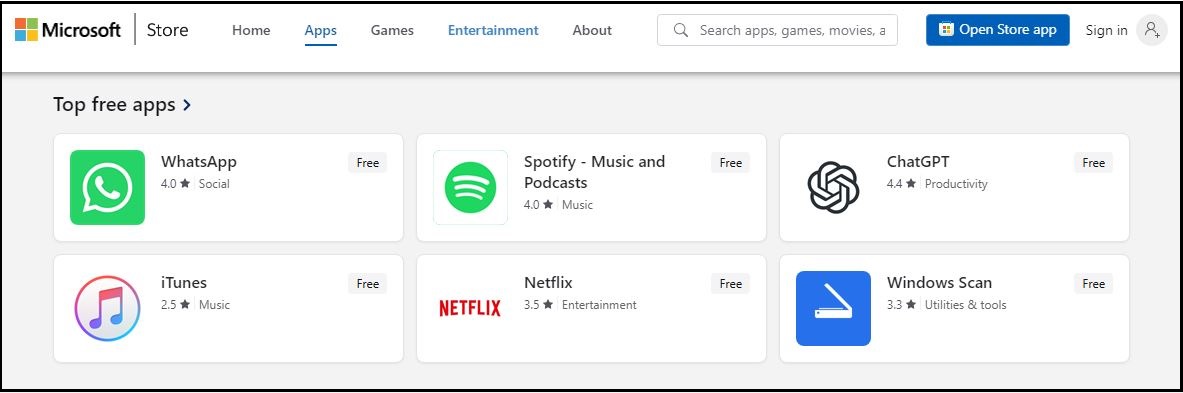
Windows apps are from the Microsoft Store, which is the official place for such things. It comes pre-bundled with all Windows 10 and 11 devices, meaning it is safe (unlike the original) and can be downloaded seamlessly.
Why Choose It: A great source of tons of free applications, games and utils, tested using Microsoft. You can download directly without a malware fear.
Key Feature: Good for downloading tools that are exclusive to Windows such as Office apps, Calculator, Xbox apps etc.
2. Ninite
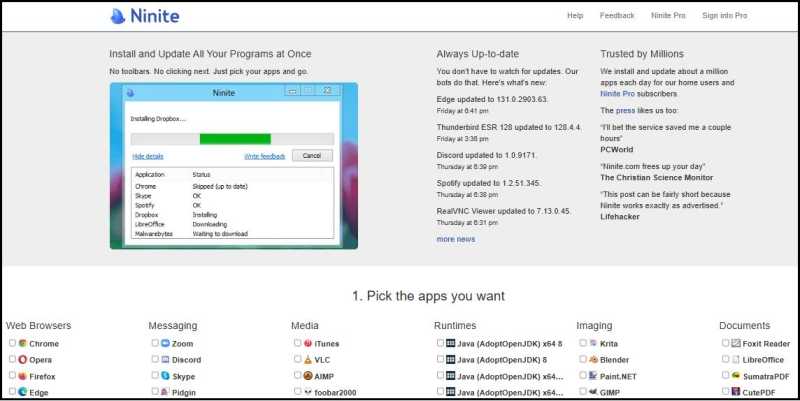
ITs and regular users alike love Ninite for how easy it is to use. It allows you to install multiple applications with just one click.
Why Choose It: Ninite bypasses crapware installs and automatically avoids unnecessary add-ons, toolbars during the install process.
Key Feature: Great for essential apps like Chrome, Zoom, and VLC Media Player.
3. Softpedia
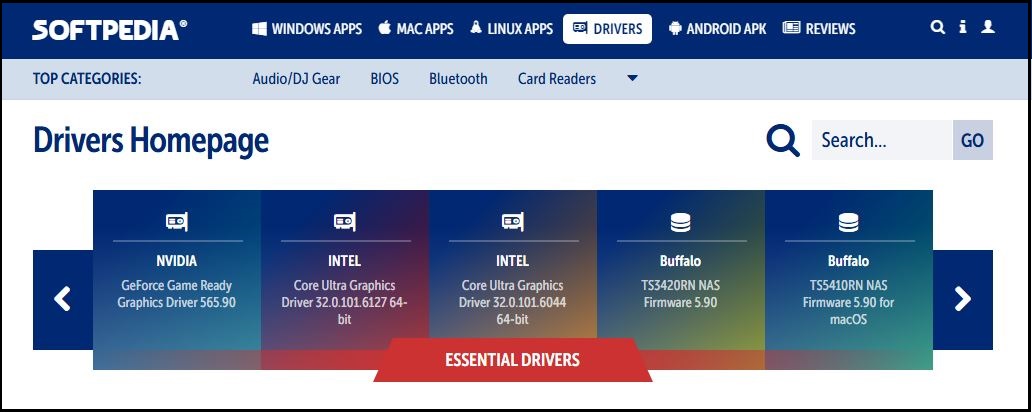
Softpedia is one of the biggest software libraries on the Internet, which includes both free and paid programs.
Why Choose It: It is a comprehensive database that keeps track of software and its details, what each program does, reviews of the programs and ratings for the programs you can install.
Key Feature: This website is ideal for power users looking for detailed information about their downloads.
4. FileHippo
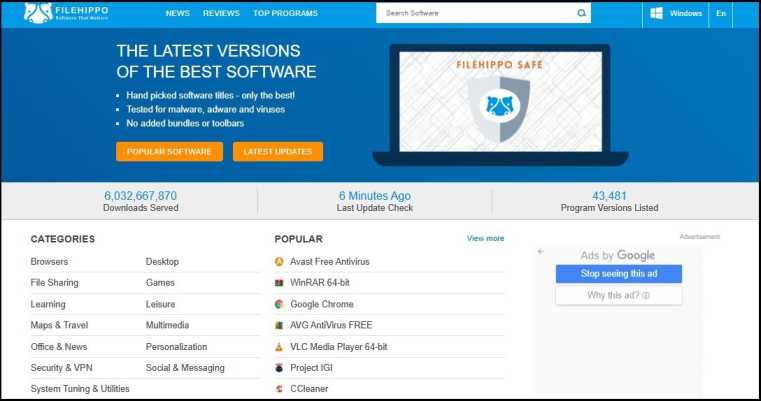
FileHippo has one of the cleanest and most organized websites when it comes to downloading popular programs.
Why Choose It: You may also need an older version to play if the latest one they provides with your system does not work, and the site has older versions for just this reason.
Key Feature : Perfect for classic tools such as WinRAR, CCleaner and TeamViewer.
5. MajorGeeks
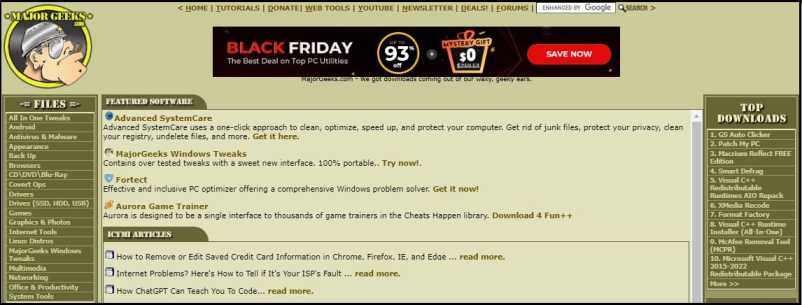
MajorGeeks are still in the old-school design here, but it is a pretty much always good to go source for Windows software.
Why Choose It: Quality and not Quantity. The site takes a quality over quantity approach by handpicking tried and tested programs.
Key Feature: Excellent for advanced utilities anti-malware tools and system optimizers.
6. SourceForge

SourceForge is the home for open-source software. Be especially popular with developers and tech enthusiasts alike.
Why Choose It: Thousands of programs free of charge and open source are available on the platform, which has all programs verified.
Key Featured: Excellent for software like GIMP, Audacity and Filezilla.
7. SnapFiles
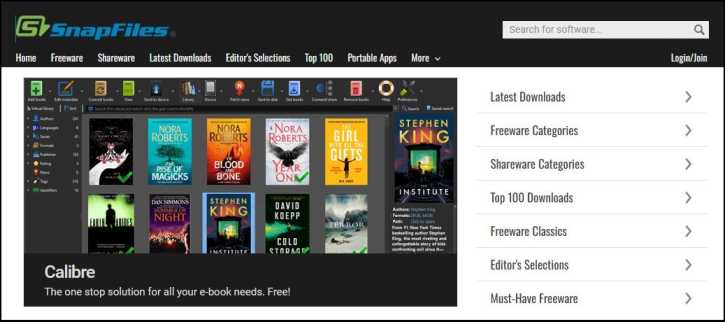
Snapfiles is different in that it offers a section called “Freeware Pick” to highlight the best free software.
Why Choose It: It categorizes various programs clearly and provides unbiased reviews that will help in selecting the best program.
Key Featured: Great for finding awesome, lesser known tools to make your day more productive.
8. CNET Download
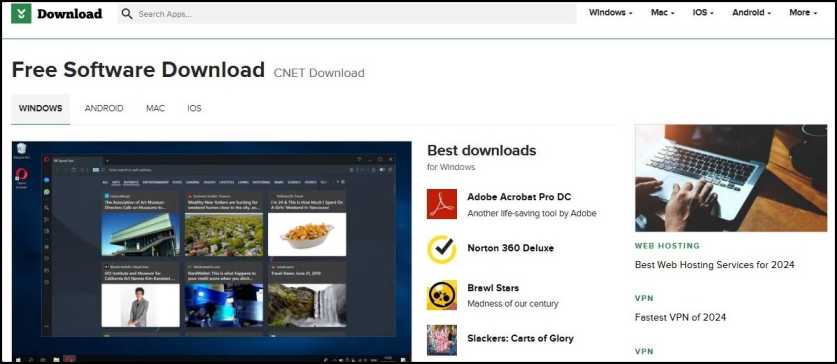
CNET Download is a trusted name in technology, and has been for over a decade!
Why Choose It: It has a huge database of free and pay software with testing.
Key Feature: A reliable source for Antivirus and Multimedia Software Solutions
9. FileHorse
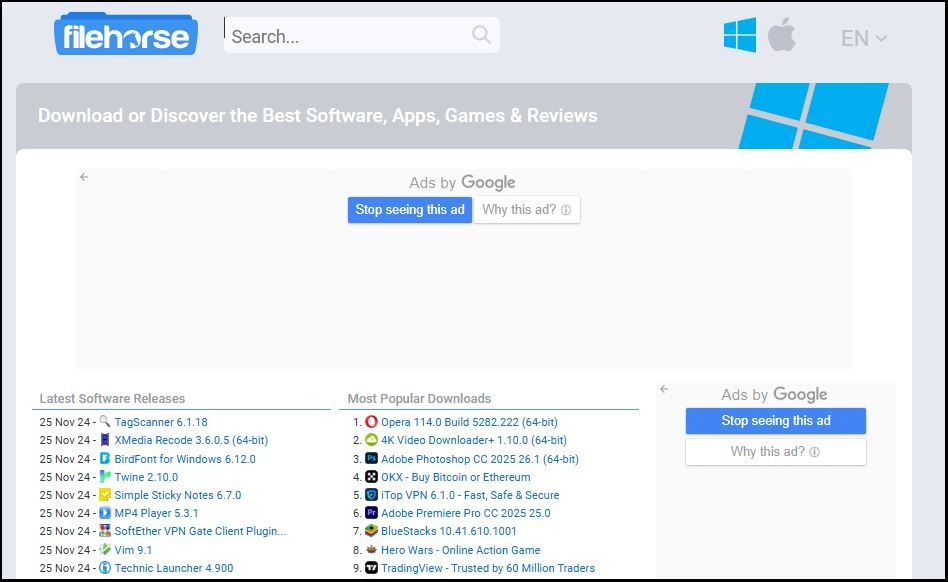
FileHorse FileHorse offers only the best, most essential Windows programs.
Why Choose It: With a minimalist interface, finding and downloading what you are looking for is simple.
Key Feature: Best for downloading software like Skype, Adobe Reader, and Kodi
10. FossHub
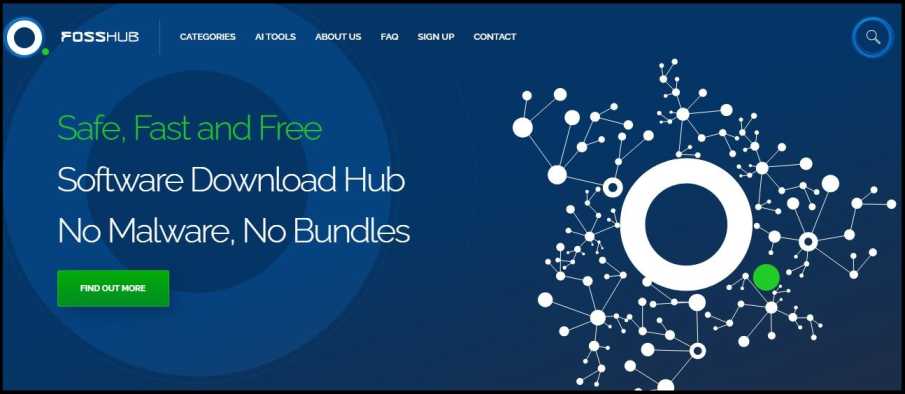
The other platform for free and open-source applications is FossHub. Focusing on security and in the meanwhile speedy downloading.
Why Choose It: It is free of ads and contains only verified programs, ensuring a safe user experience.
Key Feature: This feature is suited well for programs such as qBittorrent and Classic Shell.
Guidelines for download Windows software for free Safely
- Scan Files: Scan downloads before installation, means scan with antivirus software.
- Check Reviews: Read the user reviews to stay away from problematic software.
- Prevent Piracy: Downloading cracked or pirated programs is dangerous and usually illegal.
Conclusion
So, here are 10 websites to download Windows software free safely. From productivity to entertainment to system utilities, they are all here.
Remember, safety comes first. Only use from trusted sources, and always scan before you install anything. If you liked reading this list, do take a look at these sites with friends and improve your Windows experience.
Where Do You Go to Download Windows Software for free? Drop a comment down below and let me know!
Read more: If you’re looking to enhance your overall browsing experience, don’t miss our post on Top 5 Chrome Flags to Instantly Boost Your Browsing Experience (Faster & Smoother!).
Frequently Asked Questions (FAQs):
Where can I download Windows software for free safely?
You can download Windows software for free safely from trusted websites like Microsoft Store, Ninite, and FileHippo. These platforms ensure the software is free from malware and secure for your system.
Is it legal to download Windows software for free?
Yes, it’s legal to download Windows software for free from authorized sources or websites that offer freeware, open-source software, or trial versions. Always avoid pirated or cracked software to stay on the right side of the law.
How do I know if a website to download Windows software for free is safe?
To ensure safety, use websites that are well-known and reputable, like SourceForge or Softpedia. Look for secure connections (HTTPS), read user reviews, and avoid sites that display excessive ads or prompt you to install unwanted programs.
Are there any risks involved in downloading Windows software for free?
Yes, downloading from unverified sources can expose your system to malware, spyware, or bloatware. Always use trusted websites, scan downloaded files with antivirus software, and read reviews before installing.
Can I download professional tools like video editors or antivirus programs for free on Windows?
Absolutely! Many professional tools offer free versions or trials. Trusted platforms like SnapFiles and FossHub are great places to download Windows software for free, including video editors, antivirus programs, and productivity tools.